Create a GCS Writer application
Create a GCS Writer application using a wizard
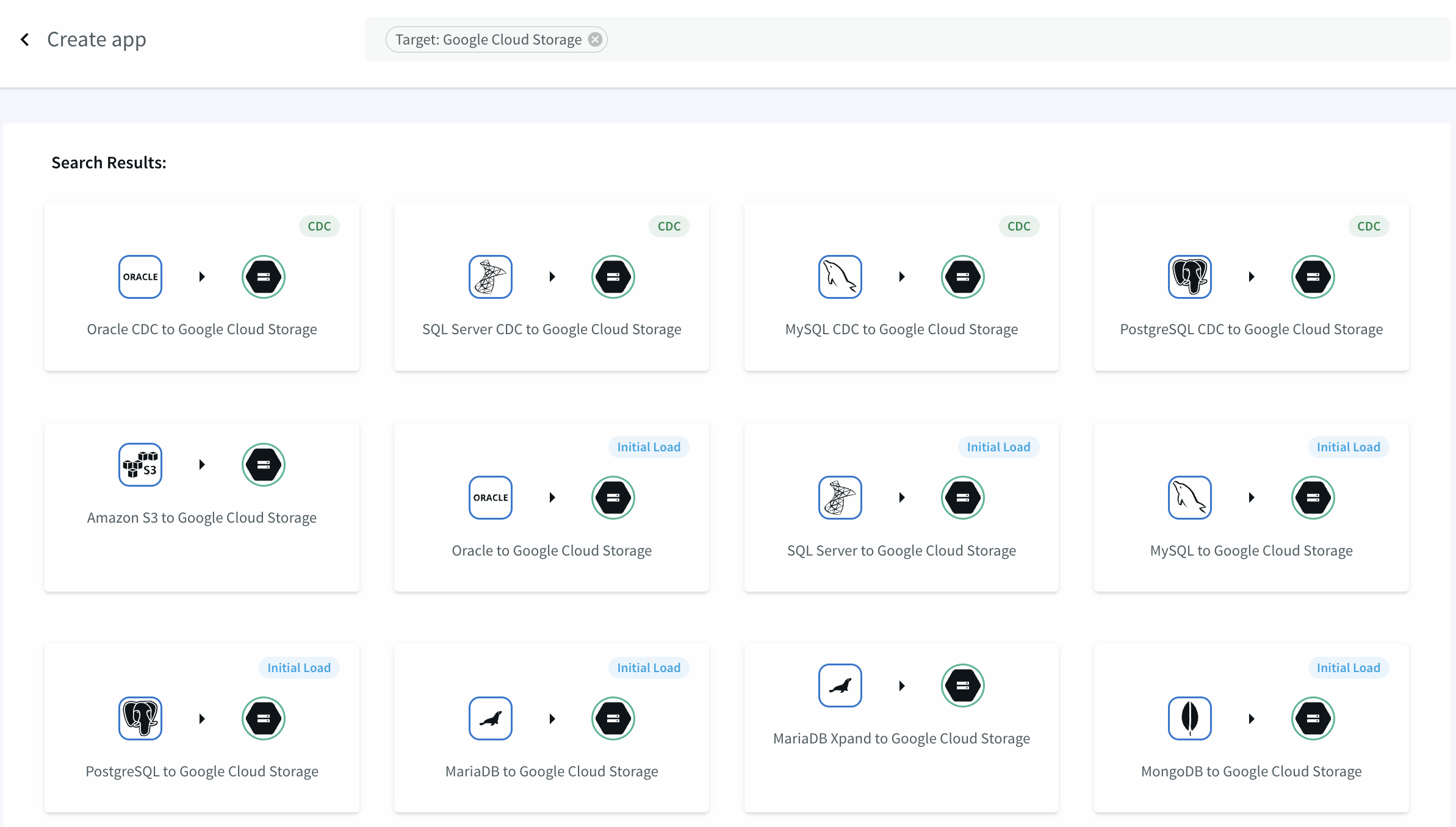
In Striim, select Apps > Create New, enter Target: Google Cloud Storage in the search bar, click the kind of application you want to create, and follow the prompts. See Creating apps using wizards for more information.
Create a GCS Writer application using TQL
CREATE APPLICATION testGCS;

CREATE SOURCE PosSource USING FileReader (
  wildcard: 'PosDataPreview.csv',
  directory: 'Samples/PosApp/appData',
  positionByEOF:false )
PARSE USING DSVParser (
  header:Yes,
  trimquote:false )
OUTPUT TO PosSource_Stream;

CREATE CQ PosSource_Stream_CQ
INSERT INTO PosSource_TransformedStream
SELECT TO_STRING(data[1]) AS MerchantId,
  TO_DATE(data[4]) AS DateTime,
  TO_DOUBLE(data[7]) AS AuthAmount,
  TO_STRING(data[9]) AS Zip
FROM PosSource_Stream;

CREATE TARGET GCSOut USING GCSWriter  (
  bucketName: 'mybucket',
  objectName: 'myobjectname',
  serviceAccountKey: 'conf/myproject-ec6f8b0e3afe.json',
  projectId: 'myproject' )
FORMAT USING DSVFormatter  ()
INPUT FROM PosSource_TransformedStream;

END APPLICATION testGCS;